A multi-store eCommerce solution, also called a multi-site eCommerce platform, runs several online stores from one system. Each store can serve a different brand, region, language or customer type, with its own design, pricing and content, while the catalog, inventory, customer records and back office are shared and managed centrally.
Most brands that sell to more than one audience end up running several stores. The difficult part is the daily work: a menu change, a price update or a seasonal banner has to reach every store that needs it and leave the others alone. This guide covers why brands run multiple stores, where it gets hard, and how a small team can now manage a portfolio of stores by giving plain-language instructions to an AI agent connected to the platform.
On this page:
Why brands choose multi-site eCommerce
Running more than one online store lets a brand serve its existing customers better and reach markets it could not reach before. These are the most common reasons.
1. Going direct to consumer (D2C)
A manufacturer moving away from selling only through retailers needs a multi-store eCommerce solution. Each region it sells in needs its own storefront to meet local demand, take orders, collect customer data and handle everything else it takes to sell direct to consumers.
2. Brand separation
Companies that trade under several brand names can give each brand its own store while running them all on one platform.
Manufacturer Pacific Market International (PMI) used Core dna to bring its three brands, Slant, Aladdin and Stanley, under one digital roof. Each store stayed separate, and all three used the same eCommerce and content management features.
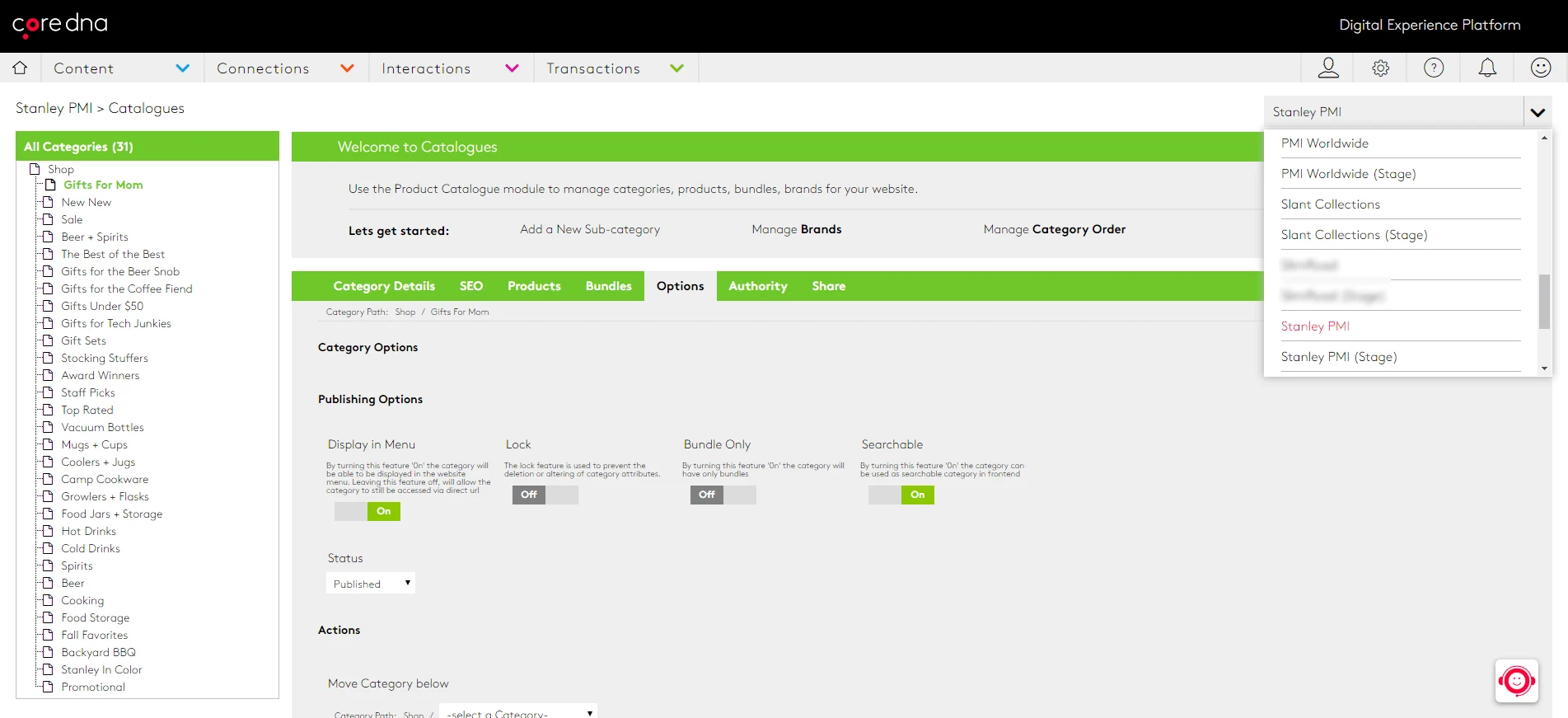
(PMI manages its brands from one platform)
Stanley also expanded internationally by translating its sites inside the same platform, with no extra tools. Because the technology stack was the same for all three brands and managed centrally, PMI could put its time and budget into growth.
3. Expanding into international markets
Selling in a customer's language is the starting point for international eCommerce. Countries that share a language can still expect different products, prices and payment options.
Tivoli Audio, another Core dna customer, uses separate stores to enter new regions. Its earlier Magento sites were hard to manage locally, and when one site went down, they all did. After moving to Core dna, Tivoli Audio runs each regional site with its own languages, products and payment options, while design and navigation stay consistent because every site is managed centrally.
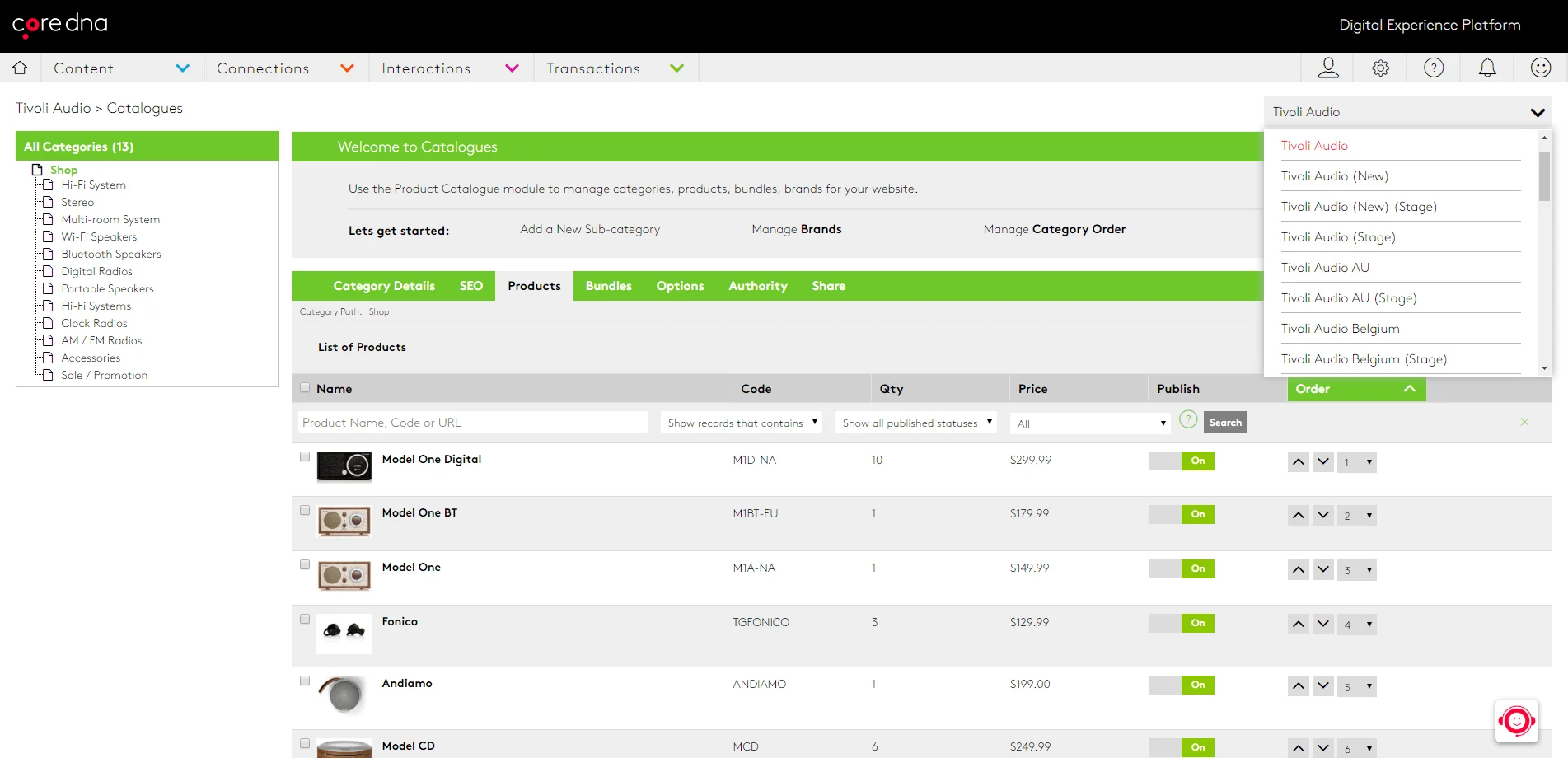
(Tivoli Audio manages its international sites from one place)
That shared foundation gave Tivoli Audio room to scale. It could also give partners a platform that reports sales the way they need, so a distributor in another country does not have to run separate software. Tivoli Audio set up its foundations once and then extended them into new regions, knowing the setup was consistent.
4. Serving B2B and B2C customers
A business that sells to both trade and retail customers usually needs a different store for each. Pricing, availability, payment terms and the buying process all differ between the two.
RANDYS Worldwide runs nine manufactured brands across wholesale and retail on one Core dna platform. Each brand keeps its own storefront, trade and retail customers buy through the same commerce engine, and ERP data syncs in real time across every brand. See how Core dna works as a multi-store eCommerce platform.
The challenges of multi-store eCommerce
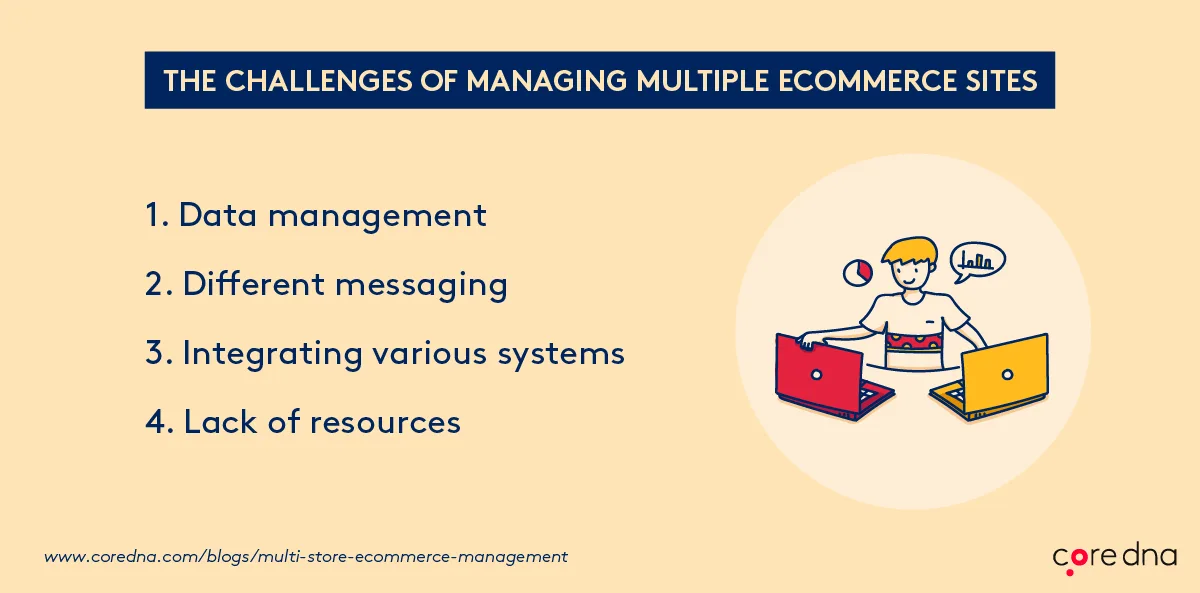
Running several online stores means juggling different brands, customers, inventories and often languages. These are the problems that come up most often.
1. Data management
With several inventories, customer databases and order systems to look after, keeping every store's data accurate and consistent is a significant job.
2. Consistent brand messaging
When a business runs more than one store under the same or similar brands, brand managers have to keep the message consistent across every store and every channel, on desktop and on mobile.
3. Integrating systems
Inventory, payments, ERP and CRM all have to work together for an online store to run smoothly. Each extra store adds to the integration work.
4. Every change has to be repeated
A new menu item, a seasonal banner or an updated footer has to be made in every store that needs it, one store at a time. With a handful of stores that is tedious. With dozens it takes a team, and something usually gets missed.
How to manage multiple eCommerce sites
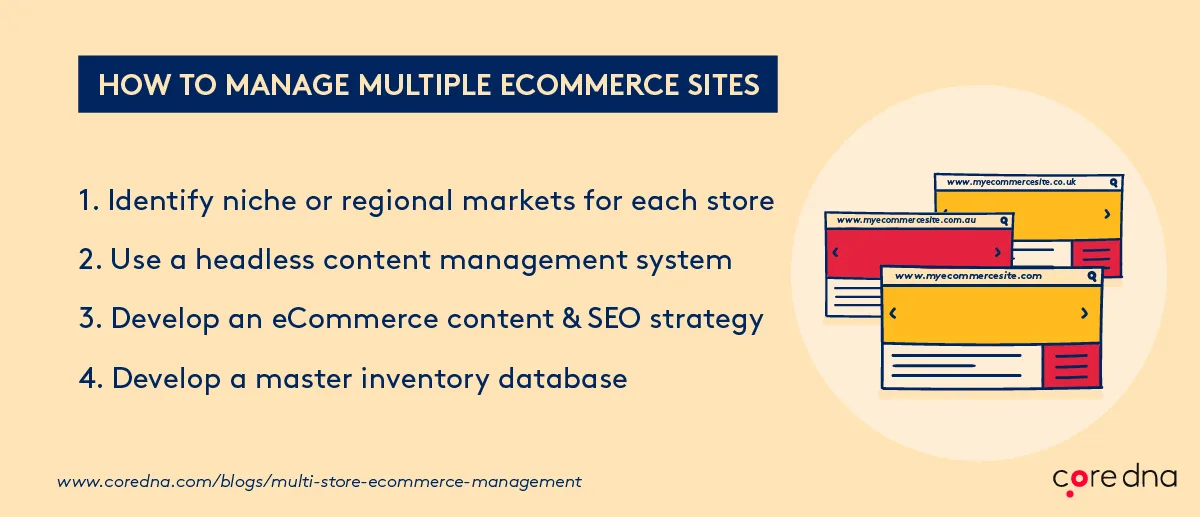
Treat each store as if it were your only one, and at the same time as one part of a wider business strategy. These steps help with both.
1. Identify the market each store serves
Stores built for a specific niche or region tend to build stronger brand loyalty and more repeat customers. A niche can be a location, an income bracket or a particular set of interests.
2. Run every store from one shared core
Set your templates, components, catalog, navigation and rules once, and let every store inherit them. When one store needs to be different, override that element for that store and keep everything else shared. Adding a store then means adding a branch to a structure you already run, with no new build. See how multi-site orchestration works.
3. Separate content from the storefront
A headless CMS keeps content separate from how it is displayed, so the same product copy, images and campaigns can feed every store, app and channel without being entered twice. Core dna is a SaaS decoupled headless CMS with eCommerce built in, so teams can personalize the shopping experience for each market from the same content.
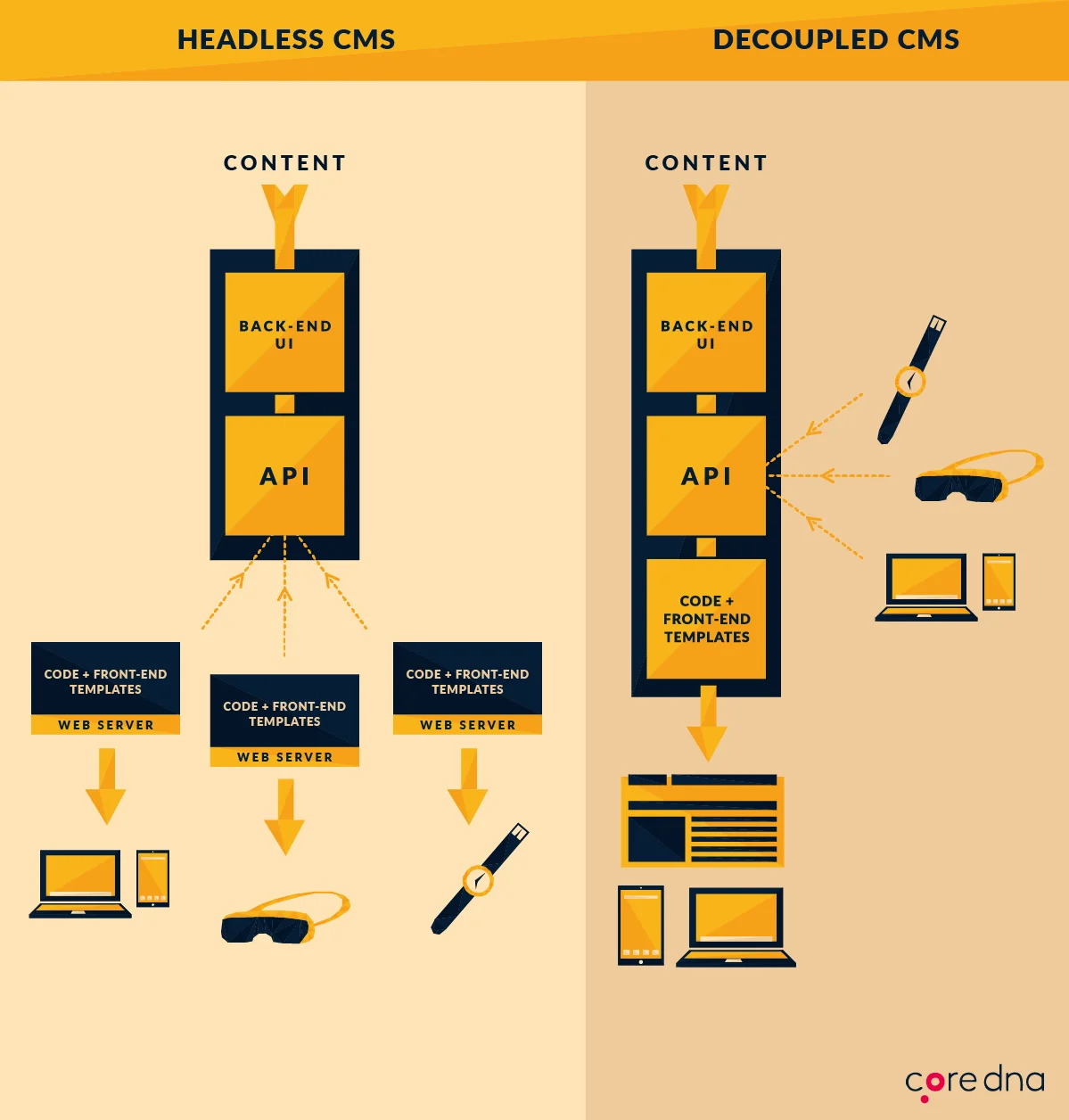
(The difference between headless and decoupled CMS)
4. Build a content and SEO plan for each store
SEO across several stores is a lot of work. Title tags, headings and meta descriptions need attention on every store, and once you run hundreds of stores, optimizing each one by hand stops being realistic.
Stanley-PMI, which runs its global eCommerce on Core dna, has a content marketing program that supports its SEO. It publishes evergreen articles such as "Tips For Planning An Epic Outdoor Adventure With Friends"...

(Stanley-PMI's evergreen content)
...alongside product-specific pieces such as "Old Stanley VS New Stanley: What's Really Changed In The Unbreakable Bottle?"
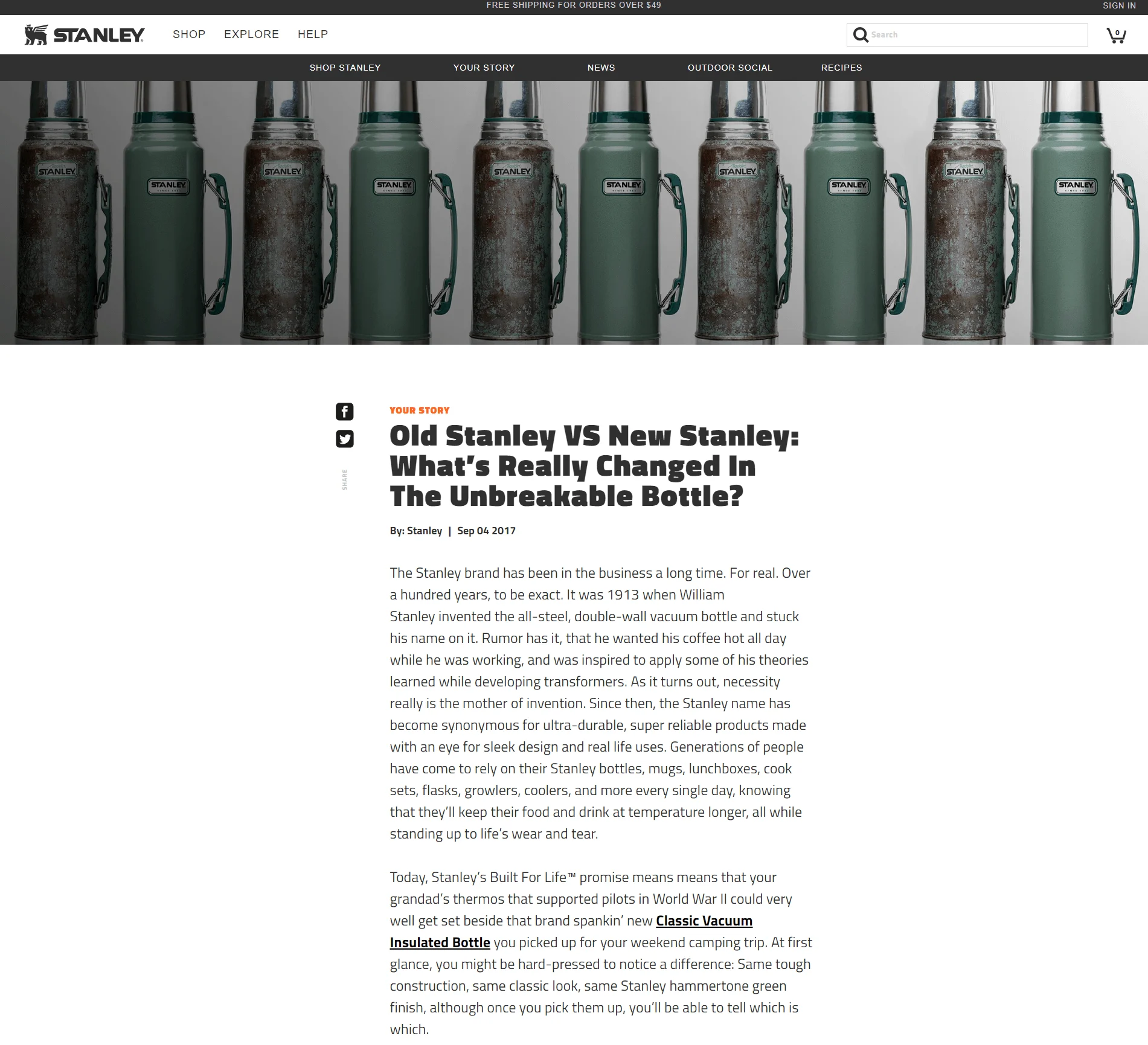
(Stanley-PMI's product-specific content)
That content, together with Core dna's built-in SEO tools (custom URLs, image optimization, canonical tags and auto-generated Open Graph tags), helped Stanley-PMI grow its organic traffic to the point where 75.72% of all its traffic comes from search engines.
5. Keep one master inventory database
Separate inventories for each store lead to stock discrepancies. If two stores sell the same product, someone has to reconcile both inventories by hand, and when that does not happen often enough, customers order items that are already out of stock.
One master inventory database removes that work and keeps stock levels accurate in every store.
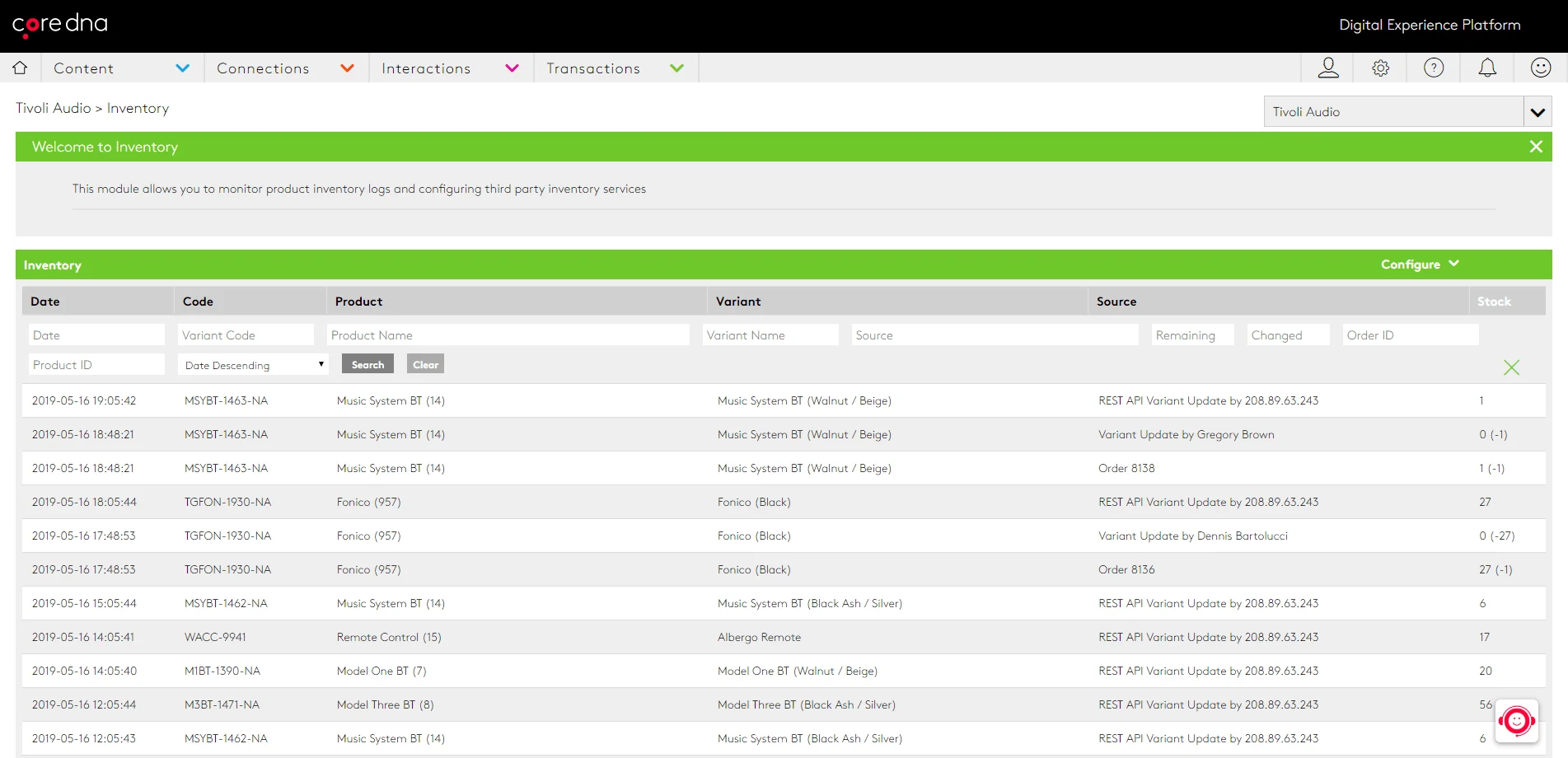
(How Tivoli Audio manages its inventory)
Core dna lets teams create a store for any audience and manage every store from a single dashboard.
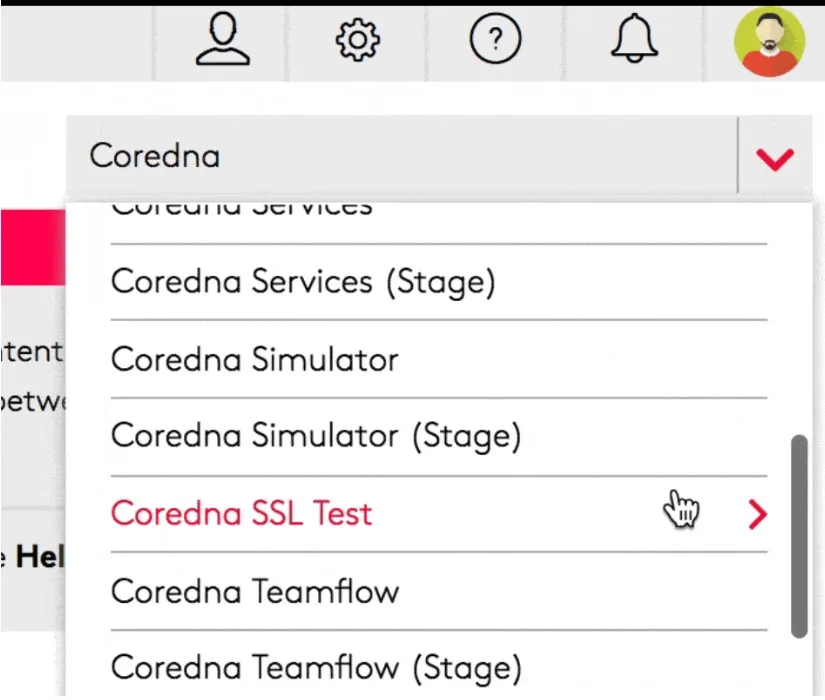
Teams can also track sales metrics for each store to see which ones are meeting expectations.
Managing multiple stores with AI: what it looks like in practice
A shared core cuts down the work each store needs, but the day-to-day changes still pile up: menus, banners, links, styles. The Core dna team built a demo to show how those changes can be handled by an AI agent connected to the platform through the Core dna MCP server.
The setup: three brands on one instance
The team started with a blank Core dna instance and a jewelry store theme from a commercial theme library, complete with mega menus, sliders and a full storefront. Using Claude Code connected to the Core dna MCP server, they built the templates, created the fields, and imported the pages, menus, FAQs, blog posts and product catalog. Nobody wrote a line of code by hand.
The demo is a multi-site setup with three brands on that one instance. Brand A uses the original design, brand B a dark palette and brand C a light red one. Each brand's look lives in its own theme settings record: colors, fonts, logos, headers, contact details and a maintenance mode switch. Adding a fourth brand means creating a new theme settings record and attaching it to the new site, with no change to the code.
What the team asked for
Each of these was a single instruction typed to the AI agent. None of them needed the admin.
- Add a menu item. "On brand A, add Journal to the Pages dropdown in the main menu, linking to the blog. Check it in the browser." The agent confirmed the item was not there yet, added it, then opened the live site to check it rendered.
- Change the top and bottom of the site in one go. One prompt updated brand A's footer copyright and its top bar message to "Free engraving on every ring this month". Both were checked in the browser.
- Remove a site-wide banner from one brand. "Remove the Instagram banner from brand C." The banner is a global component switched on in each brand's theme settings, and the person asking did not need to know that. The agent found the setting and turned it off for brand C only.
- Restyle a whole brand. "Switch brand C to dark mode with a navy palette." The team's rules say design changes need approval, so the agent first produced a preview comparing the current and new versions on desktop and phone. Once approved, it updated brand C's theme settings and the whole site changed in one step.
- Add internal links across content. The agent scanned every page on brand A for mentions of rings, earrings and necklaces, proposed the exact wording changes with links to the shop, and applied them once approved.
- Undo everything. At the end of the session, one instruction reverted every change made during it.
The same browser checks can compare a page across all three brands, which helps with QA before and after a launch.
Why it is safe to run on live stores
- Every change is logged against the person who asked for it, in the same audit log as changes made in the admin.
- The agent has the same permissions as the person using it. Someone who can edit blog posts but not publish them cannot publish through the agent either.
- Every change is saved as a new revision, so anything can be rolled back later, from the admin or with another prompt.
- The team decides what needs approval. The agent can apply small text changes directly and hold design changes for a preview and sign-off.
For an operator with several stores, this means a lean team can make a change across the right stores in minutes and keep a full record of who changed what. See how Core dna handles multi-site orchestration.
Choosing a multi-store or multi-site eCommerce platform
Whether you serve different regions or run several brands, growing into new markets takes a multi-store eCommerce solution. When you compare multi-site eCommerce platforms, Magento and Shopify Plus included, check that the platform can:
- Run every store, brand and region on one instance, with one catalog and one customer record.
- Let each store keep its own design, pricing, language and content without separate code.
- Roll a change out to every store that shares it and leave local overrides alone.
- Apply each user's permissions and log every change, whether it is made in the admin or by an AI agent.
- Connect to AI agents so your team can manage stores in plain language, with previews and approvals.
Tivoli Audio, Stanley-PMI and RANDYS Worldwide use Core dna as their multi-store eCommerce solution, with its SaaS infrastructure, headless commerce and hands-on support.
Want to see how Core dna's multi-store eCommerce platform would run your stores? Let's talk.
Running a growing online operation? See how Core dna supports your ecommerce business across multiple stores from one system.
Summarize with