An eCommerce website has 23 requirements worth writing down, in three parts: 8 functional requirements (what shoppers and your team can do on the site), 8 non-functional requirements (how the site performs and stays secure), and 7 platform and vendor requirements that most checklists leave out.
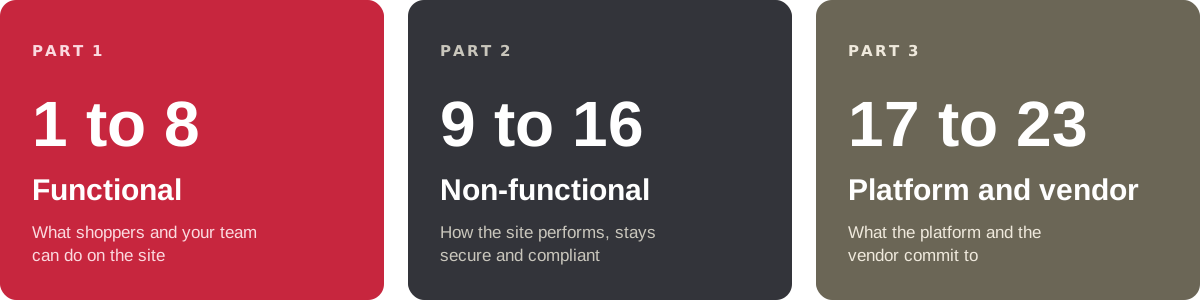
Every requirement below is numbered and follows the same format: what it is, then what to ask for. Use the numbers to keep your place, and copy the list into your requirements document or vendor brief.

On this page:
Functional vs. non-functional eCommerce website requirements
- Functional requirements describe what the site does: searching the catalog, checking out, paying, tracking an order.
- Non-functional requirements describe how well it does it: speed, security, uptime and scale.
You need both lists. A store can have every feature and still lose sales if it's slow on mobile or goes down during a sale. For the document format, see our RFP templates.
Part 1: Functional requirements for an eCommerce website (1 to 8)
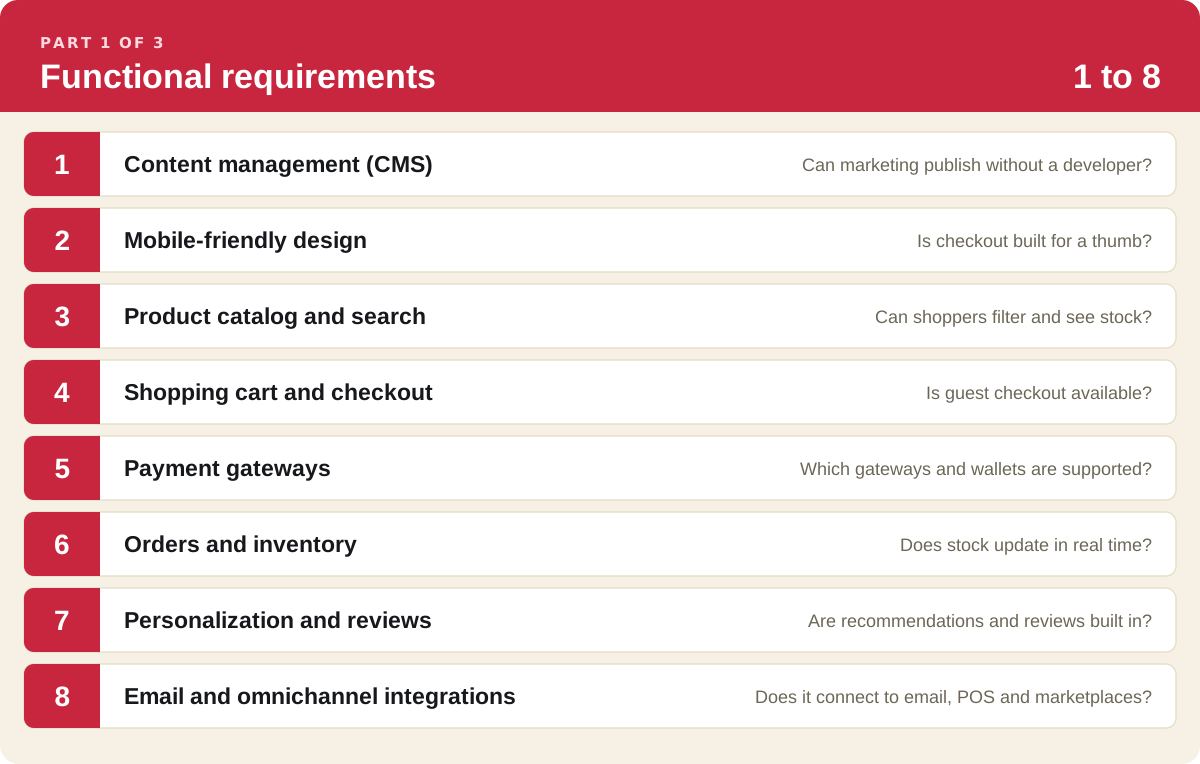
1. Content management (CMS)
Your content management system is where your team edits product pages, landing pages and the blog. Decide early between SaaS, where the vendor runs hosting, security and updates, and open source, where your developers do.
Ask for:
- Page editing and publishing without a developer
- Content and products managed in the same system
- Roles and approvals for each team
2. Mobile-friendly design
Most shoppers will first meet your store on a phone, and Google indexes the mobile version of your site. See our mobile commerce strategies.
Ask for:
- Responsive templates on every page type
- Buttons, menus and forms sized for a thumb
- Mobile page speed scores for live customer sites
3. Product catalog and search
Shoppers need to find the right product in a few taps and know whether it's in stock.
Ask for:
- Search with filters and typo tolerance
- Categories and attributes you can restructure yourself
- Real-time stock on product pages, by store if you have stores
- Back orders for out-of-stock items
4. Shopping cart and checkout
About 70% of carts are abandoned, and the checkout is where you can win some of them back.
Ask for:
- Guest checkout
- A progress indicator (shipping, payment, review)
- Address and payment auto-fill
5. Payment gateways
Offer the payment methods your customers already use, through a gateway that keeps card data off your servers.
Ask for:
- The gateways supported out of the box, such as Stripe, PayPal or Square
- Wallets and pay-later options, such as Apple Pay and Klarna
- Trade accounts or payment on invoice if you sell B2B
6. Orders and inventory
Stock and orders have to match across your website, stores and warehouse. Clark Rubber manages stock across 60+ franchise stores this way.
Ask for:
- Real-time stock updates across every channel
- Order tracking and shipping notifications for customers
- Low-stock and back-in-stock alerts
7. Personalization and reviews
Recommendations raise average order value, and reviews give new shoppers the confidence to buy.
Ask for:
- Related and recently viewed products
- Verified customer reviews on product pages
- Content that changes by customer group or history
8. Email and omnichannel integrations
Your store has to pass customers, orders and stock to the other places you sell and market. See our omnichannel strategy guide.
Ask for:
- A connection to your email platform for welcome, abandoned cart and reorder emails
- Marketplace and social selling feeds
- POS sync if you have physical stores
See a product page, a checkout and an order run on one platform.
Content, catalog, checkout, stock and orders on one platform, connected to your payment gateway and ERP.
30 minutes. Bring your requirements list and your current website.
Part 2: Non-functional requirements for an eCommerce website (9 to 16)
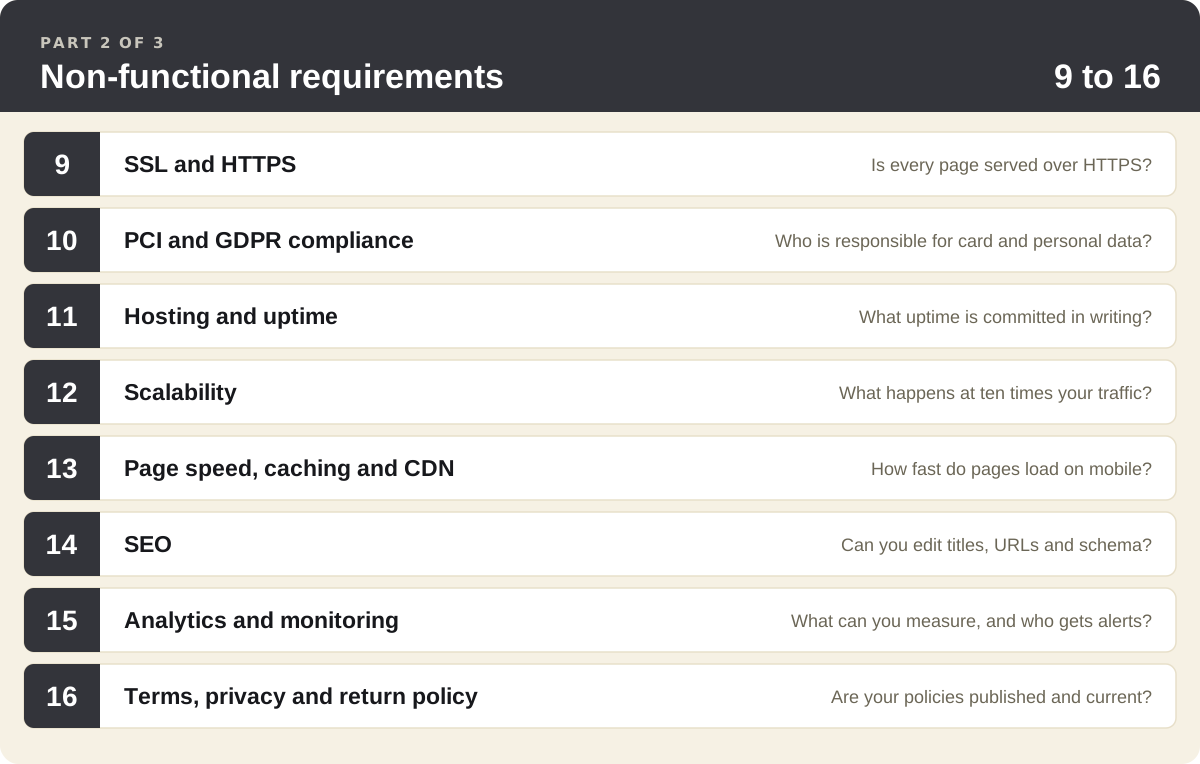
9. SSL and HTTPS
Every page should load over HTTPS. It encrypts what shoppers send you, shows the padlock they look for, and Google expects it. More in our guide to eCommerce website security.
Ask for:
- SSL certificates included and renewed automatically
- HTTPS on every page, not only checkout
10. PCI and GDPR compliance
If you take card payments you fall under PCI DSS. If you sell to people in the EU you fall under GDPR, which includes reporting a data breach to the regulator within 72 hours.
Ask for:
- The platform's PCI compliance level, and what stays your responsibility
- Consent capture for data collection
- A way to export or delete a customer's data on request
11. Hosting and uptime
Hosting decides how fast and how available your store is. On SaaS it's included. On open source you choose and manage it: shared, VPS, dedicated or cloud.
Ask for:
- The uptime commitment, in writing
- Where your data is hosted
- Daily backups you can restore from
12. Scalability
Your store should handle a sale-day peak and next year's catalog without a rebuild.
Ask for:
- Capacity that scales automatically with traffic
- APIs for every record, so you can connect new systems later
- Reference customers at your order volume or above
13. Page speed, caching and CDN
Google's research found that 53% of mobile visitors leave a page that takes longer than three seconds to load. See our tips for high-traffic websites.
Ask for:
- A CDN and page caching included
- Image compression and lazy loading
- Core Web Vitals results from live customer sites
14. SEO
Your team should control everything search engines read without asking a developer. This is search engine optimization at the platform level.
Ask for:
- Editable titles, descriptions and URLs on every page
- Product schema markup
- An automatic sitemap and canonical tags
15. Analytics and monitoring
You need to see how the store sells and know when something breaks.
Ask for:
- Reports on conversion rate, average order value, cart abandonment and traffic sources
- A Google Analytics 4 integration
- Uptime and security monitoring with alerts
16. Terms, privacy and return policy
These pages protect your business, and a clear return policy also helps shoppers decide to buy.
Ask for:
- Terms of use and a privacy policy linked from every page
- A return policy that states what can be returned, by when and how refunds are paid
- A named owner who reviews all three each year
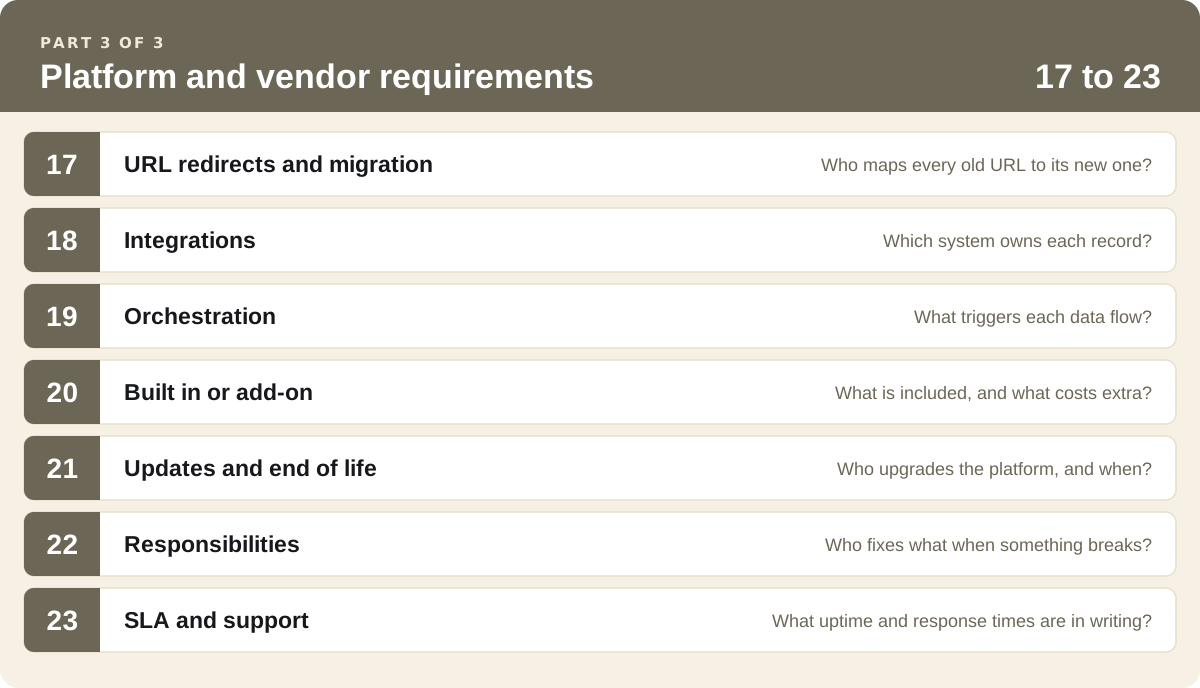
Part 3: Platform and vendor requirements most checklists miss (17 to 23)
Parts 1 and 2 describe the website. These seven describe the platform behind it and the vendor you'll work with for years.
17. URL redirects and migration
If you're moving platforms, every URL that ranks or is linked from another site needs a redirect to its new address, or you lose search traffic on launch day. We migrate each customer's site ourselves, redirects included. Clark Rubber's move from Shopify Plus was handled this way.
Ask for:
- A redirect map of every old URL, with a named owner
- Bulk redirect import, plus single redirects in the admin
- A 404 report to review weekly for the first month
18. Integrations
Decide which system is the source of truth for products, prices, stock, customers and orders. At V-ZUG, SAP owns all of them and the ordering portal reads from it. More in our guide to eCommerce ERP integration.
Ask for:
- Ownership, direction and timing for each record
- The connection method: API, webhook or file exchange
- What happens to an order placed while the ERP is down
19. Orchestration
Orchestration controls when data moves between systems and what happens when a step fails. Clark Rubber's Pronto integration runs some jobs when an order is paid and others every minute, hour or evening. V-ZUG runs a daily job that creates missing SAP records.
Ask for:
- Triggers by event, webhook and schedule
- Automatic retries, and alerts when a job still fails
- Run logs your team can read and rerun
20. Built in or add-on
The same feature can be part of the license on one platform and a third-party app with its own fee on another.
Ask for:
- Each requirement marked built in, add-on or custom
- The cost and support contact for every add-on
- What happens to add-ons when the platform updates
21. Updates and end of life
Every platform version has a support end date. Drupal 10 and Kentico Xperience 13 both reach theirs in December 2026. If yours is coming up, read what to do before your platform reaches end of life.
Ask for:
- Whether updates are applied for you or are a project you pay for
- How long each version is supported
- How you export your data if you leave
22. Responsibilities
Put a name against each task before you sign: your team, the vendor or the agency.
Ask for:
- Who handles hosting, security patches and backups
- Who builds and monitors each integration
- Who migrates products, customers, orders and redirects
- Who you call first in an incident
23. SLA and support
A service level agreement puts the commitments from Part 2 in writing. Ask for it during evaluation.
Ask for:
- The uptime percentage, how it's measured and what's excluded
- Support hours that cover your time zone and peak trading days
- Response and resolution times by severity
- What you're owed if a commitment is missed

What do these requirements look like on a live store? Clark Rubber
Clark Rubber is an Australian franchise retailer of pool, rubber, foam and cleaning products with 60+ stores. It moved its online store from Shopify Plus to Core dna in 2022.
- Requirement 3, catalog and stock: every product page shows stock by store.
- Requirement 6, orders and inventory: a delivery order goes to the closest store that can fill the whole cart, and the sale is credited to that franchisee.
- Requirement 1, content management: each store has its own page built from one template.
- Requirements 18 and 19, integrations and orchestration: the website is connected to the Pronto ERP in real time, so paid orders reach the store that fills them without re-keying.
Read how Clark Rubber manages stock across its franchise stores and how its ERP integration with Pronto works.
eCommerce website requirements: FAQ
An eCommerce website needs functional and non-functional requirements. The functional ones are a content management system, a mobile-friendly design, a product catalog with search and filters, a shopping cart and checkout, payment gateways, order and inventory management, personalization and reviews, and integrations with your email, marketplace and point-of-sale tools. The non-functional ones are SSL and HTTPS, PCI and GDPR compliance, reliable hosting and uptime, scalability, page speed with caching and a CDN, SEO, analytics and monitoring, and your terms, privacy and return policies.
Functional requirements describe what shoppers and your team can do on the site, such as searching the catalog, checking out as a guest, paying by card or wallet, and tracking an order. Non-functional requirements describe how the site performs while they do it: how fast pages load, how much traffic it handles, how it protects payment and personal data, and how often it's available. Write both lists. A store can have every feature on the functional list and still lose sales if it's slow on mobile or goes down during a sale.
An eCommerce website requirements document should include your business goals and the numbers you'll measure them by, the people who use the site (shoppers, trade customers, store and head office teams), the functional requirements, the non-functional requirements, and the systems the site has to connect to, such as your ERP, payment gateway, email platform and point of sale. Add the content and data you need to migrate, your legal and compliance needs, budget, timeline, and the criteria you'll use to accept the finished work. Mark each requirement as must-have or nice-to-have so vendors can price it. Our RFP templates give you a starting structure.
Start by interviewing each team that touches an order: marketing, merchandising, customer service, warehouse or store operations, finance and IT. Map the journey from product page to delivery and returns, and note where work is done by hand today. List every system the site has to exchange data with and which one owns products, prices, stock and customers. Then rank each requirement as must-have or nice-to-have, and check the list against your site analytics and customer service tickets so it reflects what shoppers do, as well as what teams ask for.
Hosting for an eCommerce website needs an uptime commitment in writing, capacity that scales automatically for sales peaks, a CDN and caching for fast pages, SSL on every page, PCI-compliant handling of card payments, daily backups you can restore from, and monitoring with alerts. On a SaaS platform the vendor provides and manages all of this, so ask for the uptime figure and how peak traffic is handled. On an open source platform you choose the hosting provider and your team or agency is responsible for security updates and scaling.
Summarize with