





MCP SERVER NOW IN PRODUCTION

Talk to your DXP. Any AI agent. Any prompt.

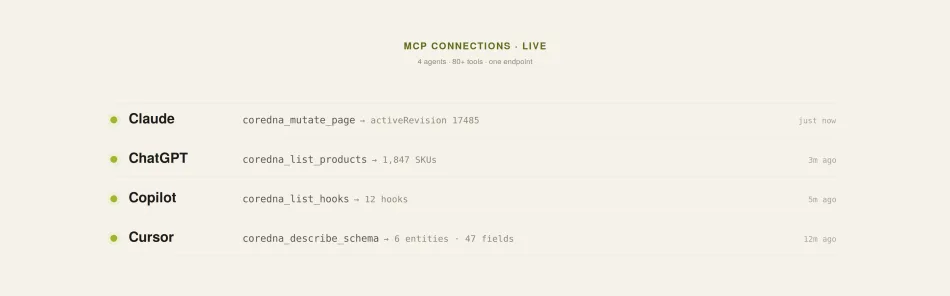
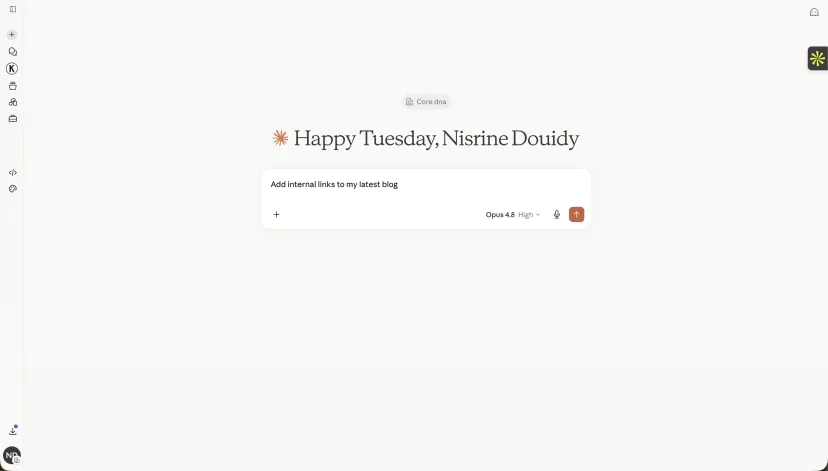
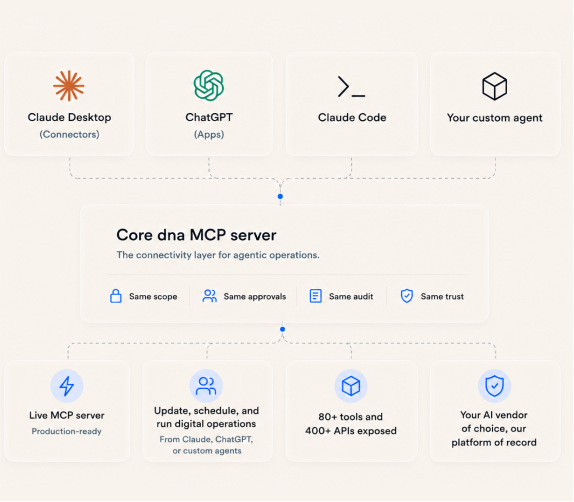
The Core dna MCP server is the universal connector between your platform and every major AI agent - Claude, ChatGPT, Cursor, Codex, Gemini, Copilot. Plain-English prompts. Real platform actions. Your existing login. No new tools to learn.

Hero illustration
MCP illustration

Your DXP, now agent-native

MCP stands for Model Context Protocol - the open standard that lets AI agents talk to platforms like ours. Think of it as USB-C for AI: one connector, many devices.

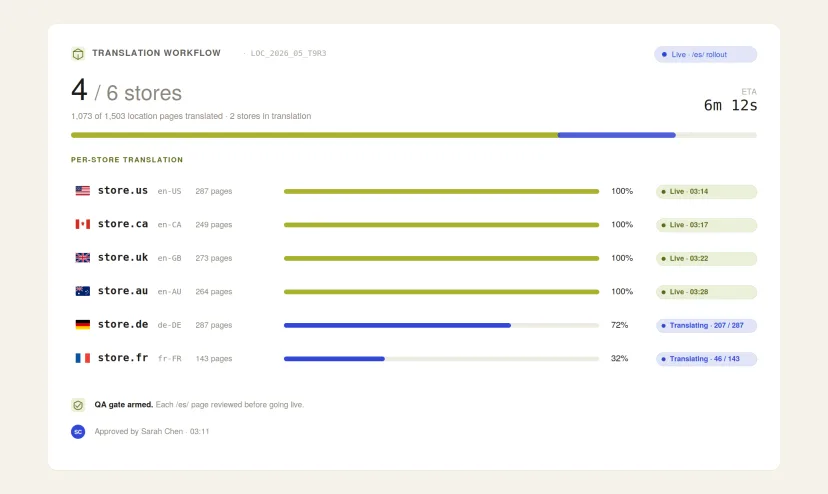
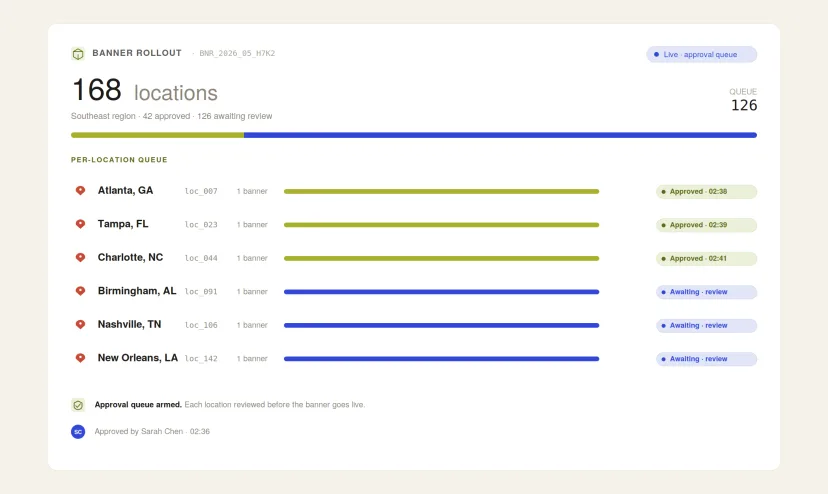
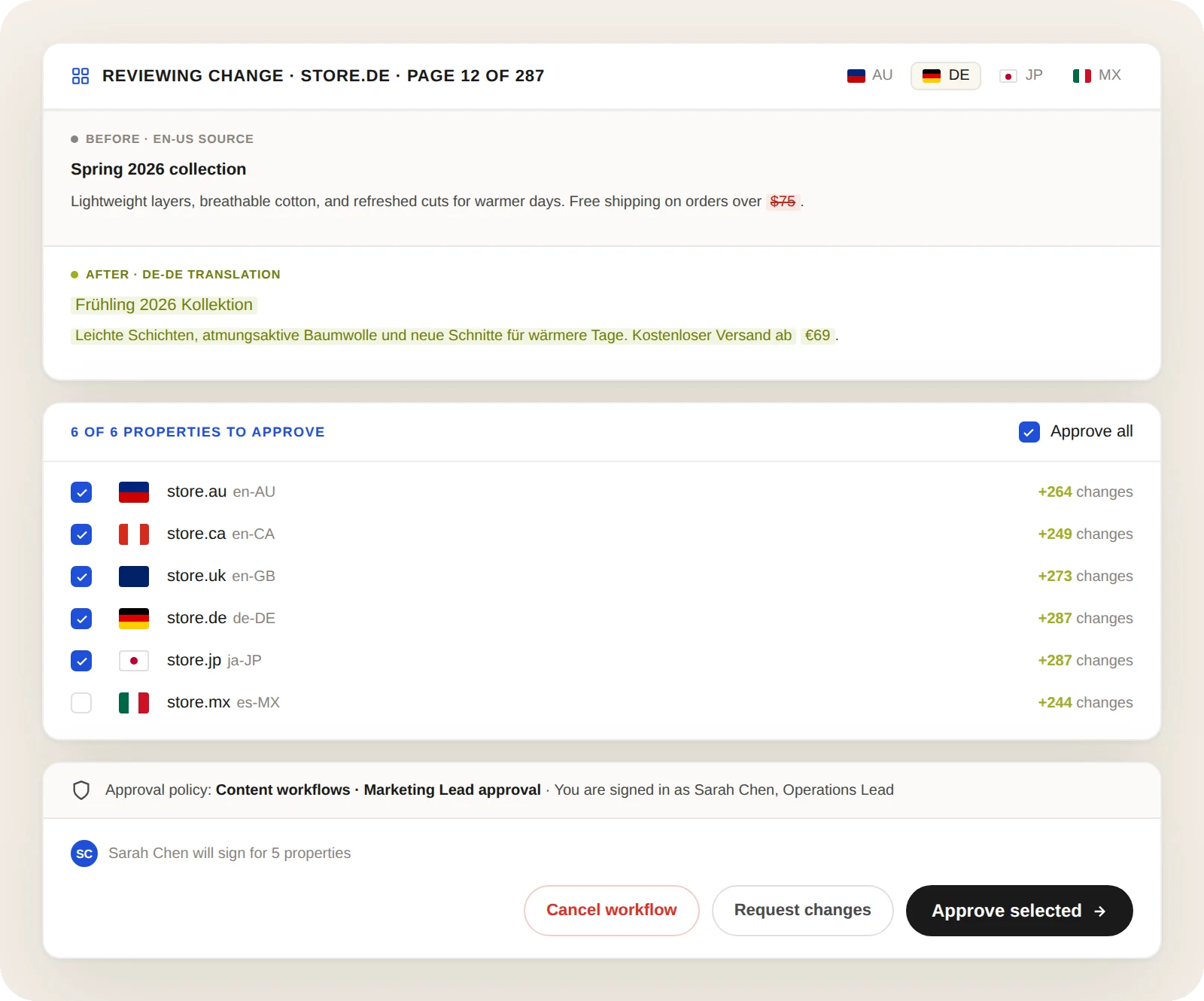
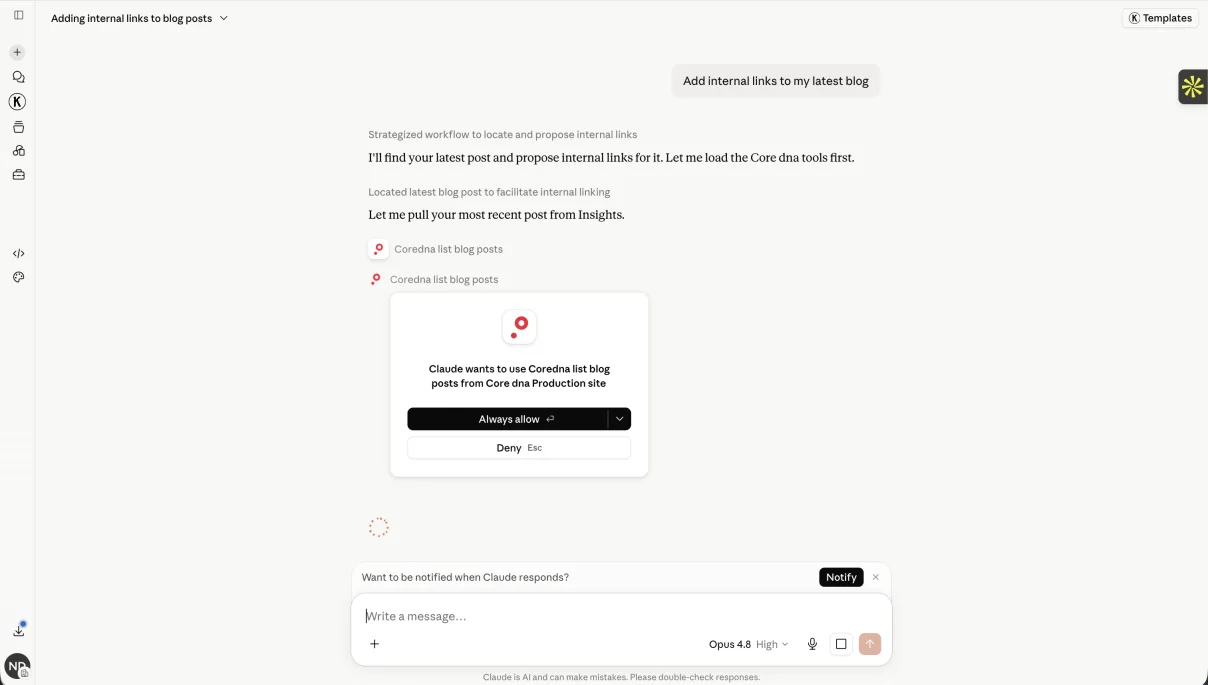
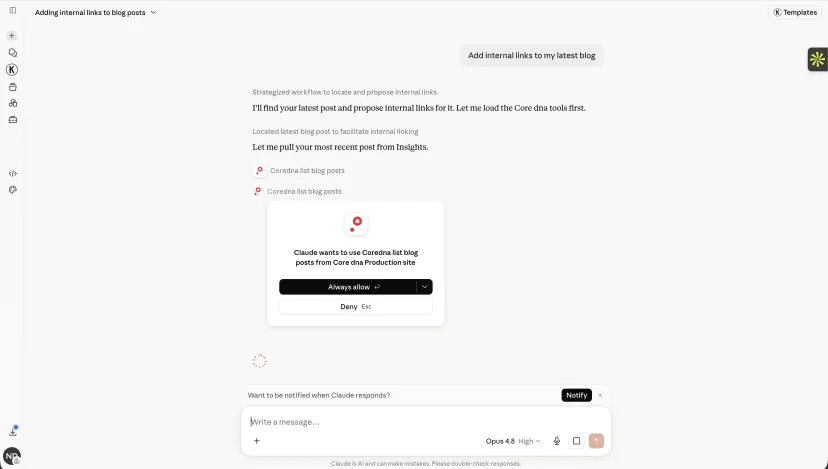
For your team, it means the agent in your browser can now do things in your Core dna site, not just talk about them. Write copy. Build pages. Update prices. File feedback. All in plain English, from the same chat window you already use.

  • Ask in plain English - let the agent do the clicking
  • No more admin UI hopping for routine edits
  • Same agent talks to your DXP, your inbox, your calendar, your CRM
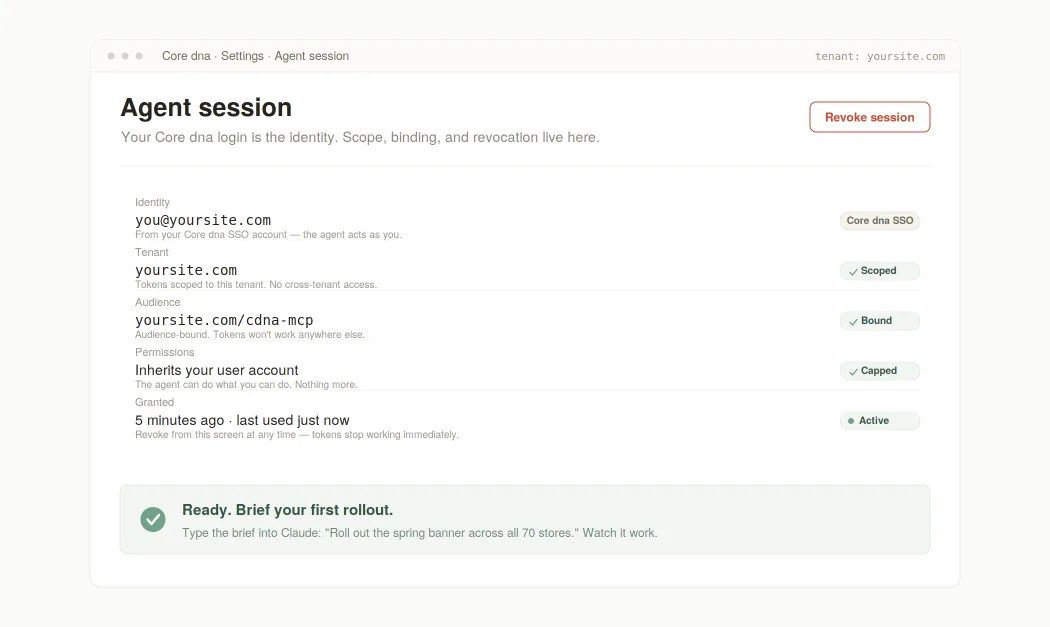
  • Zero new logins for your team - your Core dna identity is the identity
  • The agent works the way you work, on the data you already own
One protocol. Many names. WHAT YOUR AI AGENT CALLS US

Connectors, Apps, or just MCP servers?

The protocol is the same everywhere. The label changes by vendor. Here's the cheat sheet so you can find us inside any AI client.

01 CUSTOM CONNECTORS

Anthropic Claude

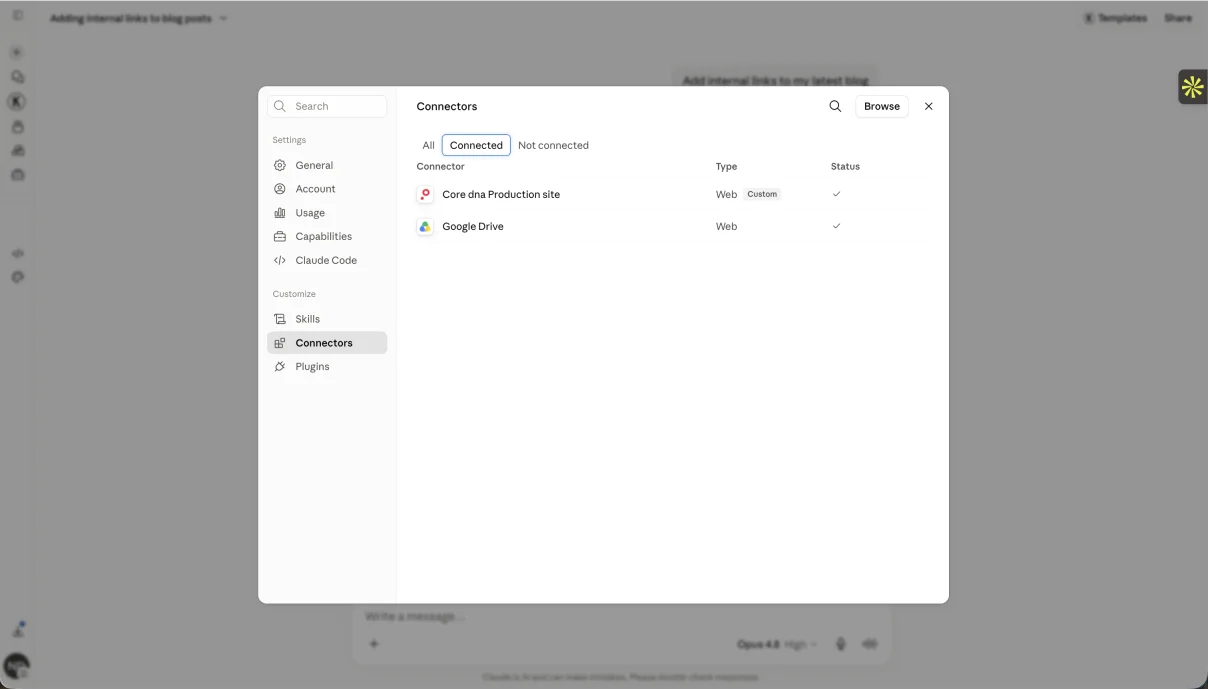
Claude.ai and Claude Desktop call MCP servers Custom Connectors. Claude Code (the CLI) just calls them MCP servers. Same underlying protocol, two different labels in the UI.

02 APPS

OpenAI ChatGPT

ChatGPT renamed Connectors to Apps on December 17, 2025 - one unified term covering both UI-bearing apps and retrieval connectors. Still MCP under the hood.

03 MCP SERVERS

CLI agents

Codex CLI, Gemini CLI, Aider, Continue, Cline - every command-line agent just calls them MCP servers. Plain, no rebrand.

04 MCP SERVERS

IDEs & dev tools

Cursor, Microsoft Copilot Studio, JetBrains, VS Code extensions - all use the same MCP server nomenclature. One protocol, every tool.

Works with every major AI agent

Nine clients tested in production. One protocol underneath. Pick yours below.

How to enable MCP on your Core dna site

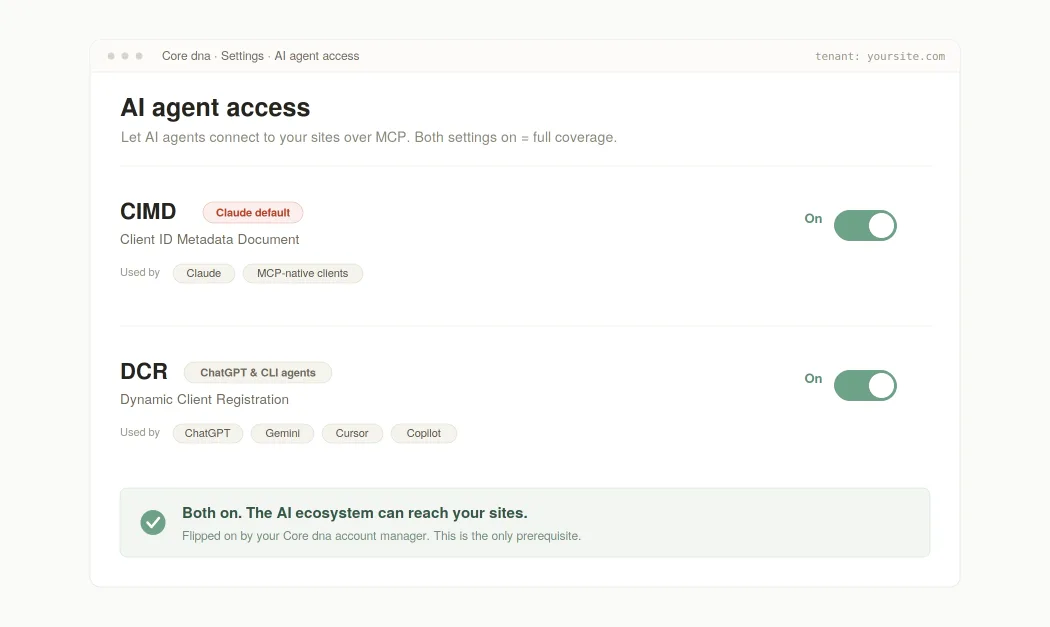
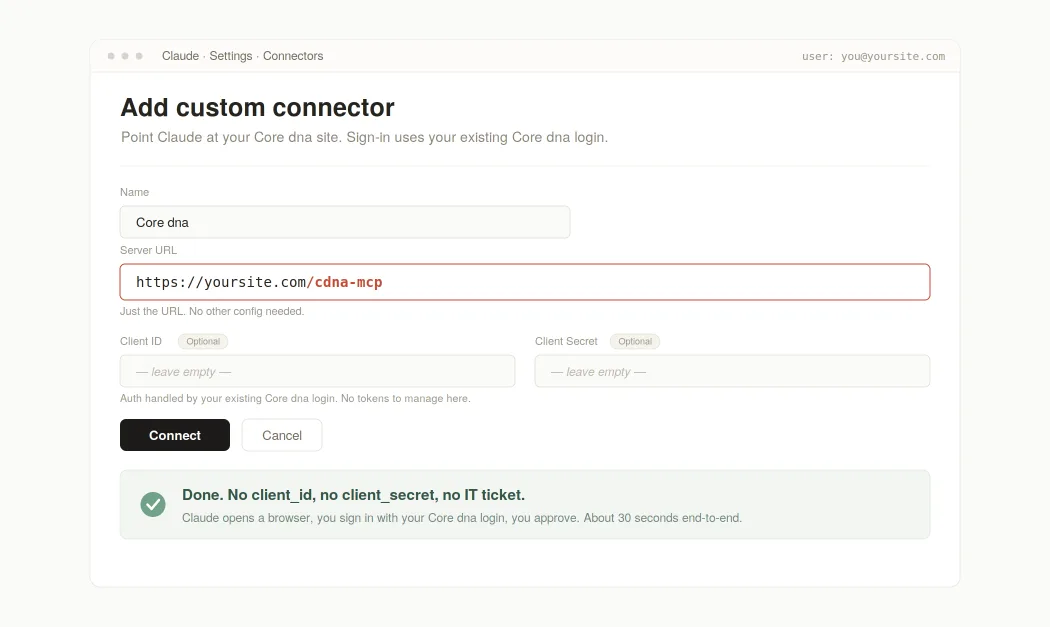
Step 1 - Enable CIMD and DCR on your tenant
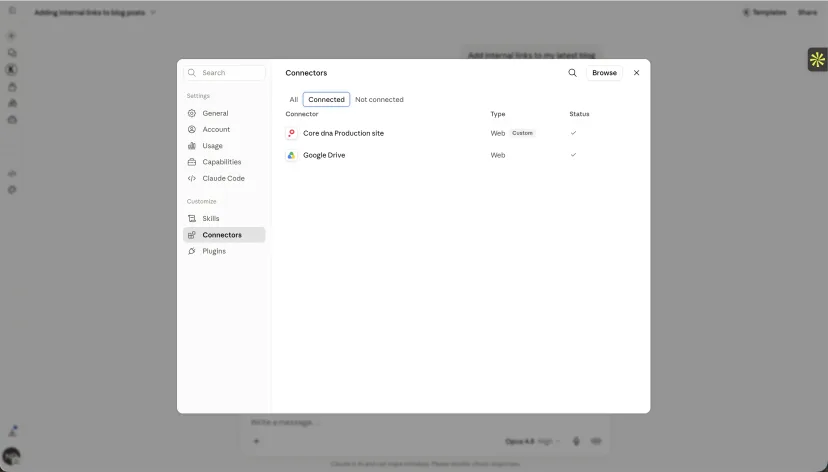
Step 2 - Connect Claude
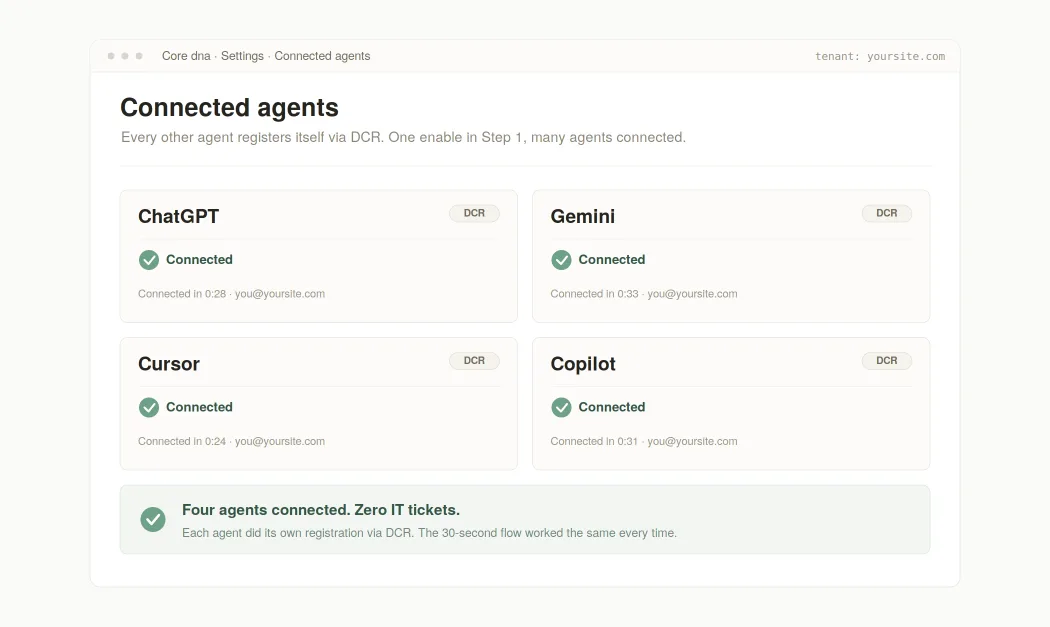
Step 3 - Connect ChatGPT, Codex, Gemini, Cursor, Copilot
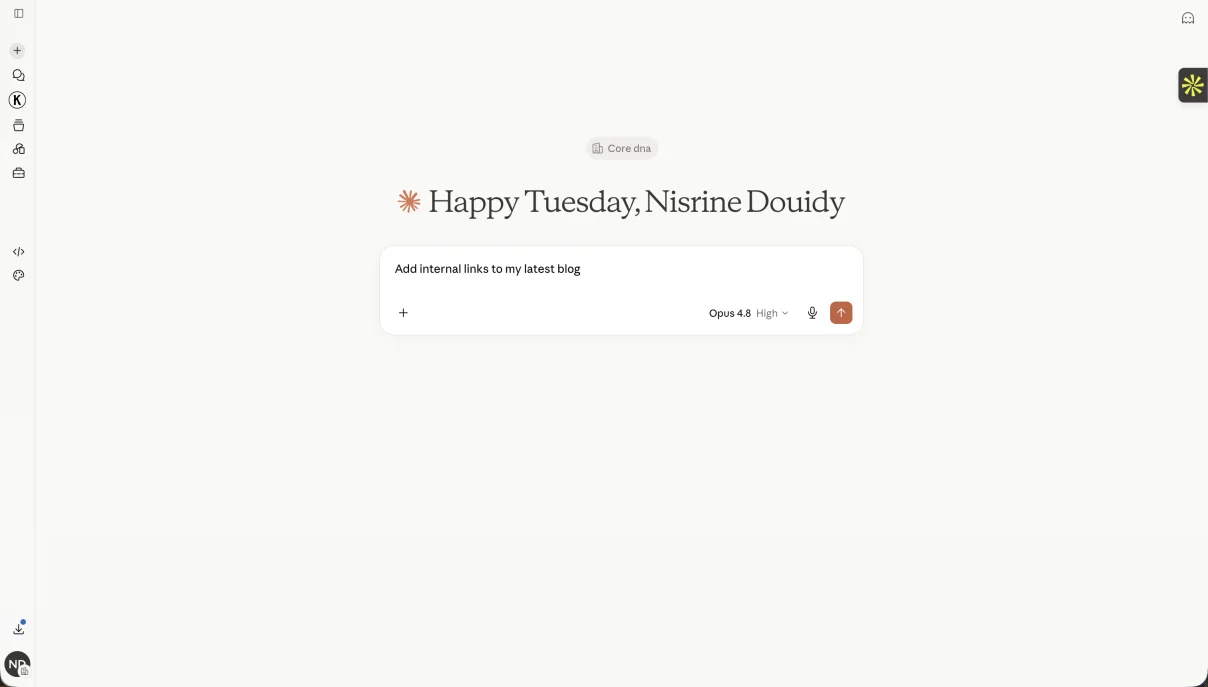
Step 4 - Start prompting
OAuTH 2.1 · NO SECRETS · PER-REQUEST AUDITABLE

Auth methods, in plain English

No client secrets ever touch the AI agent. The agent's browser proves possession of the auth code via a cryptographic verifier. This is what Claude, every CLI agent, and most modern AI clients use by default. It's the OAuth 2.1 standard for public clients - the safest available option for software that runs on someone else's machine.

No admin pre-registration. No tickets. On first connect, the AI agent calls the /oauth/register endpoint, gets a fresh client_id, and is good to go. Stale registrations are cleaned up after seven days so the table doesn't grow forever. Used by ChatGPT, Claude Code, Codex, Gemini, Cursor, and every open-source IDE.

The AI agent's client_id IS a URL pointing to its own metadata document. Core dna fetches it, validates it, pins the hash. The agent gets identified without ever pre-registering. Used by Claude.ai today as the primary path; ChatGPT's CIMD support lands once private_key_jwt ships.

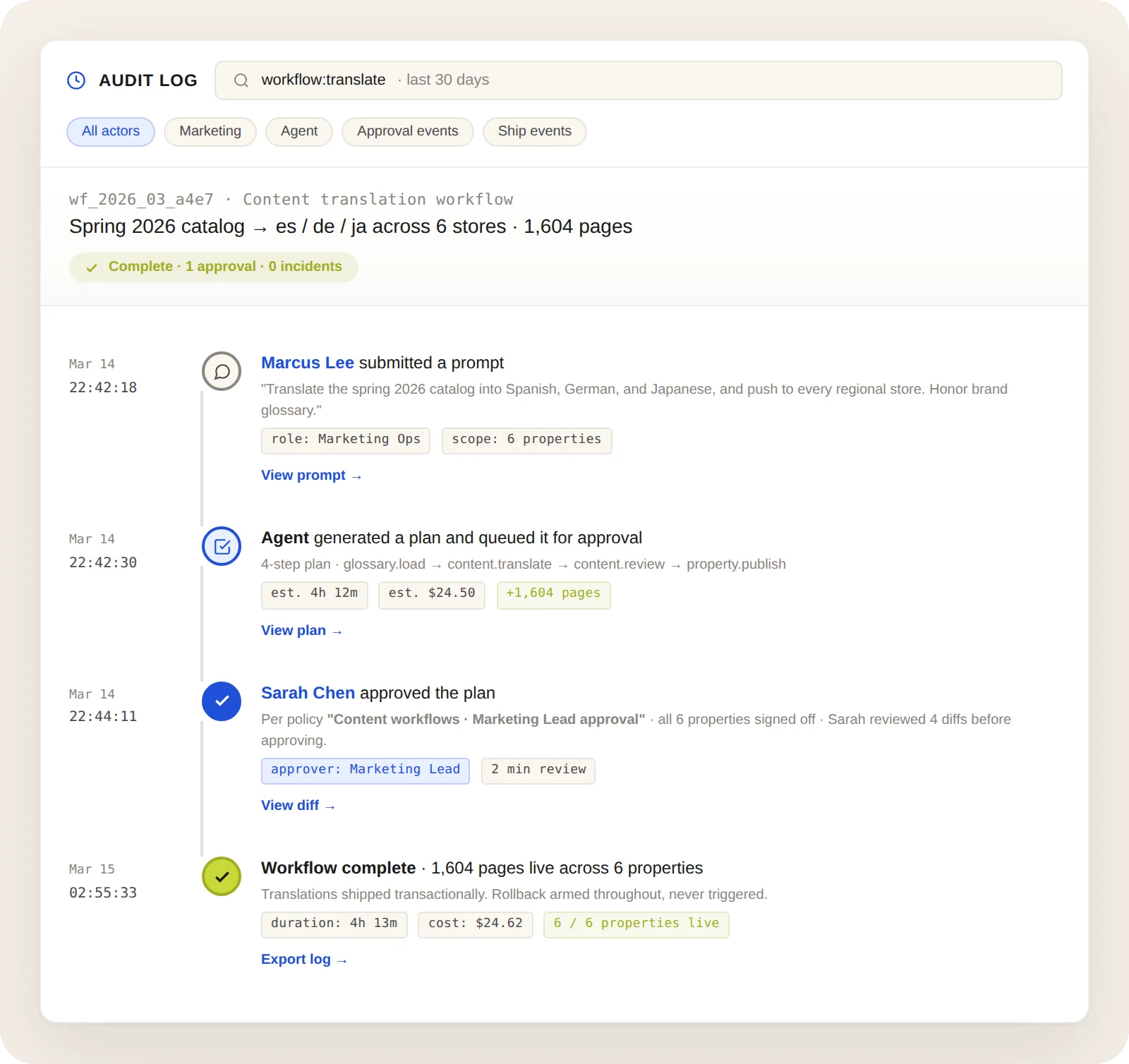
Real day-to-day work, not 'hello world' prompts

These are the kinds of prompts content and marketing teams actually send their agent every week.

What the agent can actually do

80+ tools across 22 modules, covering every content surface in your Core dna site. Here's the handful you'll feel most often.

  • Write, duplicate, and publish pages. Full revision and partial-revision support, with deep-nested component edits.
  • Cross-site content search. Find pages by slug, content, SEO, category, tag, or any field you can name.
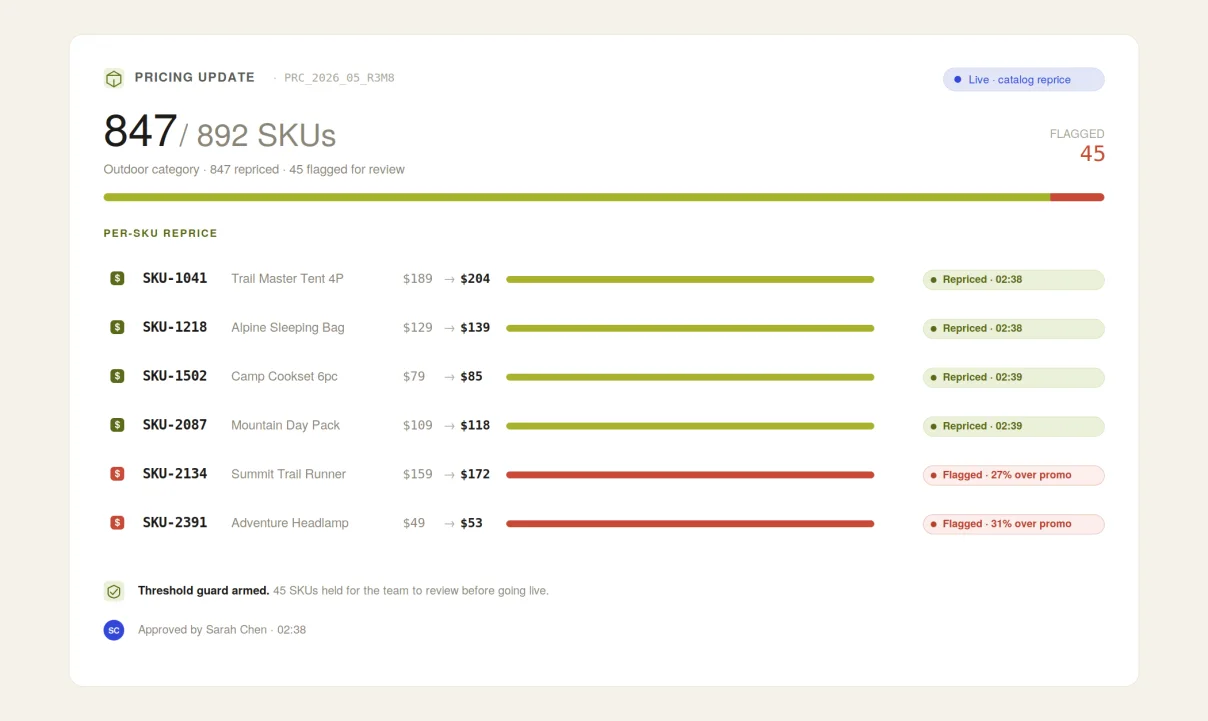
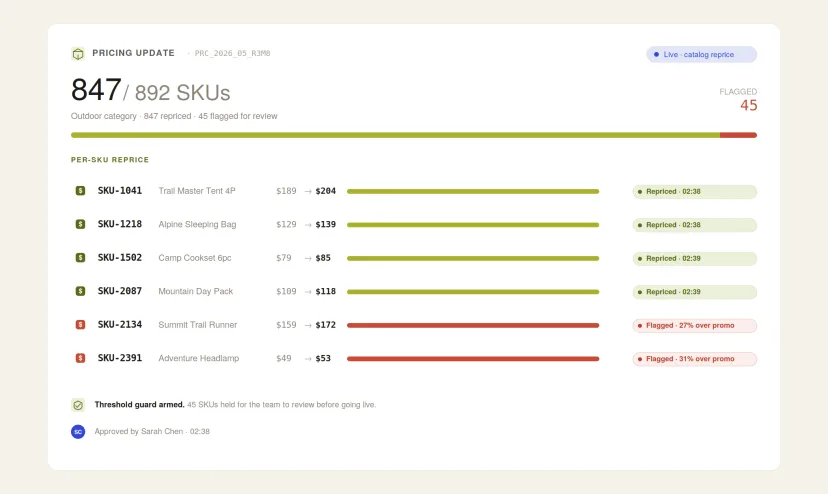
  • Bulk product and pricing edits. Change tiers, RRP, special pricing across hundreds of SKUs from one prompt.
  • Blogs, FAQs, books, forms, custom entities. Everything content-shaped is editable.
  • Files and images, three ways. See the next section.
  • Schema introspection. The agent learns your custom entities at runtime. Build a custom field today, the agent knows about it tomorrow.
Tool spotlight illustration

Add images the way that fits your workflow

Images can land in your Core dna files library three different ways. Pick whichever matches the moment.

  • From a URL. Paste a public image URL into your prompt ("use this for the hero: https://..."). The agent fetches it, uploads it, and inserts it. The most common AI-agent flow.
  • Drag-and-drop or paste. Attach an image to your chat, or paste a screenshot. The agent sends it to Core dna as base64; the MCP stores it and references it on your page.
  • From the admin UI. The classic flow still works. Upload via your file manager, then ask the agent to "use the file at /files/images/marketing/hero.jpg on the new page."
Images illustration
Feedback illustration

Your agent files its own bug reports. You just say the word.

When your agent hits a rough edge, an undocumented field, a confusing error, or a tool that doesn't behave as expected, the conversation doesn't have to end there. The Core dna MCP includes a dedicated submit_feedback tool that ships the agent's lived experience straight to the engineering team.

You don't have to describe what went wrong. The agent already knows. It was the one that hit the friction. You just have to ask.

How to invoke it. Just type:

"Submit feedback to the MCP about the issues you ran into."
or
"Log this session's friction as feedback."

That's the whole interface.

  • One line to invoke. Say "submit feedback to MCP" and the agent writes the report, including the tool calls, payloads, and error messages.
  • Zero overhead for you. No bug tracker login, no reproducing the issue, no screenshots.
  • Your edge case becomes the roadmap. The next person to try the same thing on any tenant doesn't hit the same wall.
  • It's already working. 17+ real feedback files from customers in the last eight weeks. Several already shipped as fixes.
META PROOF · NOT PROMISE

This page was built by Claude. Through the MCP server. In one conversation.

Structure, copy, layout choices, every section, authored end-to-end via the Core dna MCP server. The human wrote nine bullet points of intent. The agent did the rest, in a single chat, in under fifteen minutes. If you're reading this on a public URL, the page you're on is the proof point.

Ready to let your team talk to your DXP?

See how an MCP-connected team runs every digital property from one prompt. Tailored walkthrough, not a generic demo.